

Download Text Blaze – text expansion, keyboard shortcuts, productivity tool, text templates, smart typing
Overview
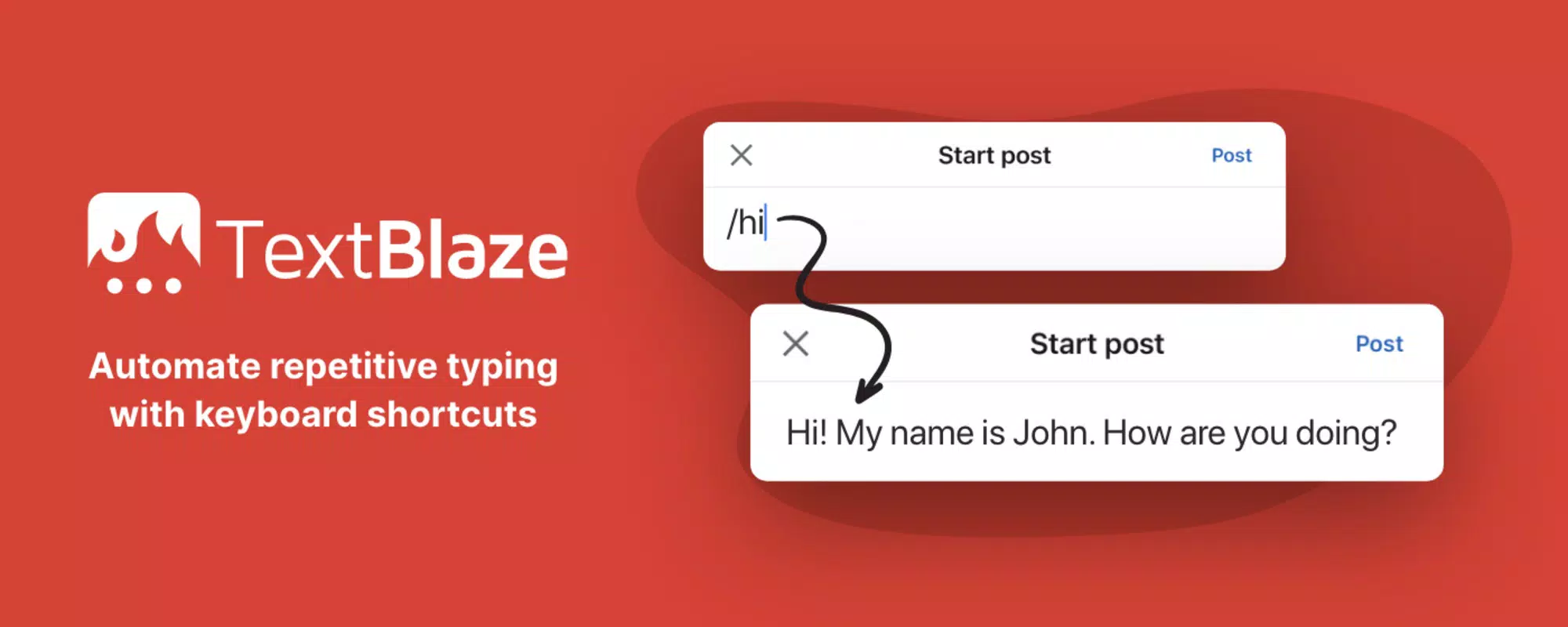
Text Blaze is a productivity-focused tool designed to eliminate repetitive typing by enabling users to create and deploy customizable text templates across a wide range of applications. Built for professionals and power users, it streamlines workflows in environments where consistent, fast text input is critical—such as email communication, document drafting, and form submissions. The app operates seamlessly within text fields on Windows, supporting platforms like Microsoft Word, Notepad, and Chrome, making it a versatile utility for daily tasks. Its core purpose is to reduce manual input time and minimize errors associated with repeated phrases, such as signatures, boilerplate content, or standardized responses.
Target users include writers, customer support agents, developers, legal professionals, and administrative staff who frequently reuse text across multiple projects. The developer, Text Blaze, has positioned the app as a reliable solution for efficiency, with a user base exceeding 200,000 globally. While specific details about the company’s background are not publicly disclosed, the app’s widespread adoption suggests a strong focus on usability and real-world effectiveness. In the broader productivity ecosystem, Text Blaze fills a niche for intelligent text automation—offering more than basic clipboard tools by integrating dynamic content and collaborative features.
Real-world use cases include drafting client emails with pre-configured templates, inserting standardized legal clauses, or auto-filling form fields with dynamic data such as the current date. These applications demonstrate how Text Blaze enhances both speed and accuracy in text-heavy workflows. The app’s ability to function across multiple applications without requiring integration with each individual platform underscores its value as a system-level productivity utility.
Key Features & Functionality
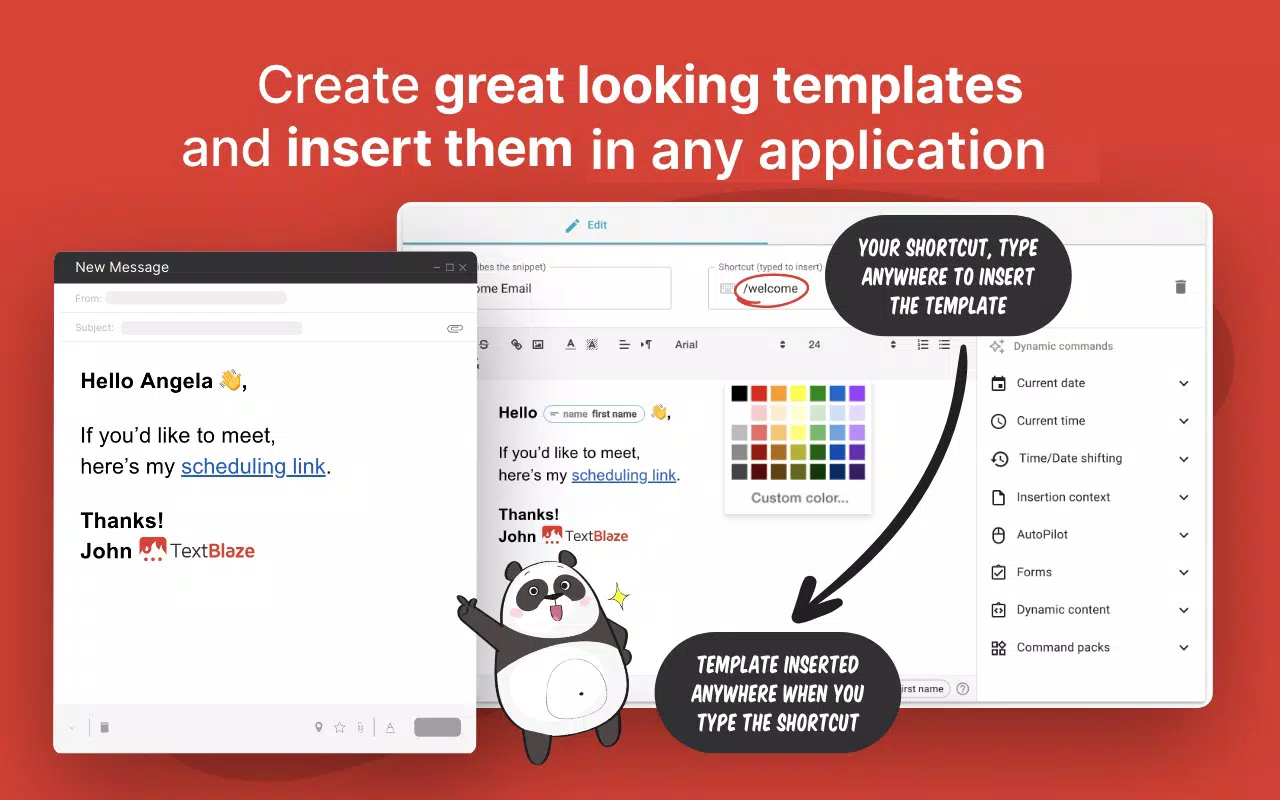
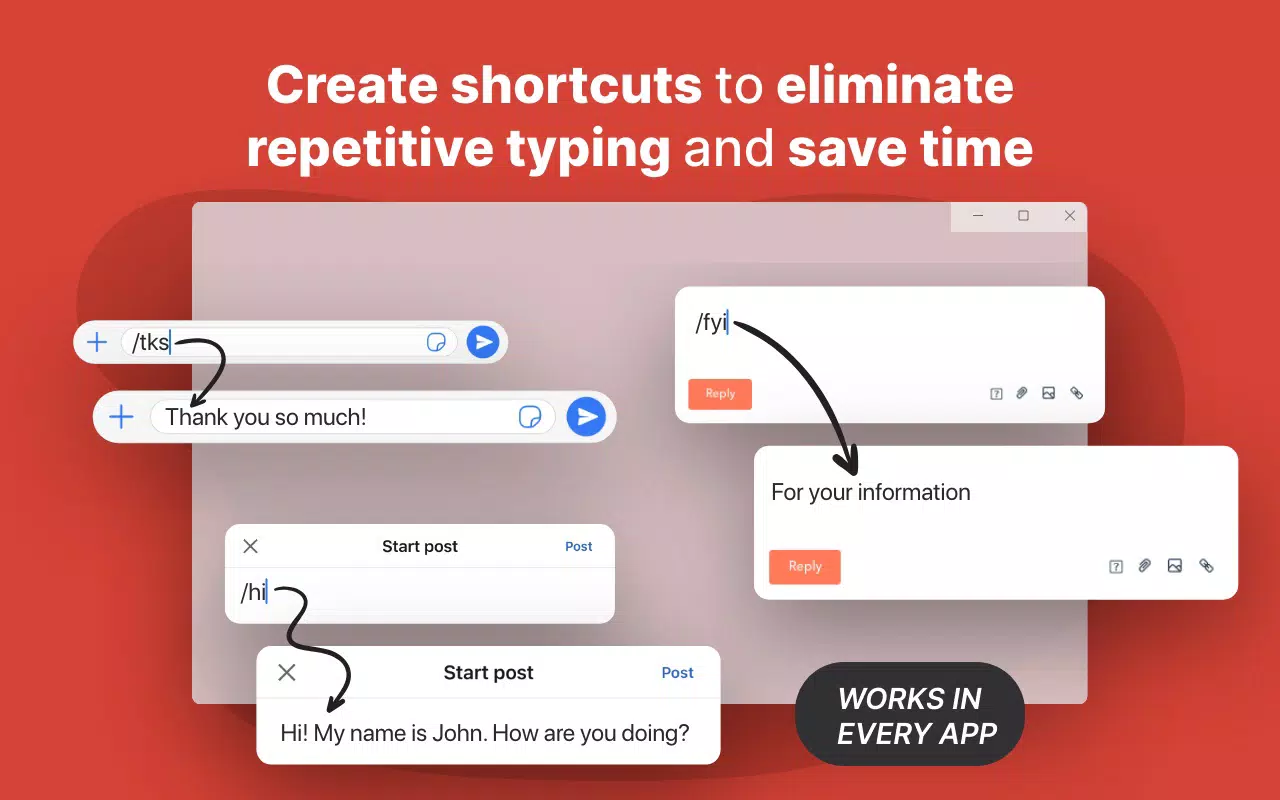
- Smart Text Expansion: Users can define custom abbreviations that expand into full text blocks with a single keystroke. For example, typing “sig” could automatically insert a full professional signature with formatting, including name, title, and contact details.
- Universal Compatibility: The tool functions in any text input field on Windows, including web browsers, word processors, and desktop applications, ensuring broad usability without platform-specific limitations.
- Dynamic Templates: Templates can incorporate variables such as the current date, time, or user-defined dropdowns. This allows for context-aware content insertion—for instance, a template that automatically inserts today’s date and a customizable status field.
- Team Collaboration: Shared templates can be synchronized across team members. When one user updates a shared snippet, all connected users receive the update in real time, promoting consistency in messaging across departments.
- Efficient Template Search: The built-in assistant enables quick access to templates through keyword search, allowing users to find and insert content without navigating through folders or menus.
These features collectively enhance workflow efficiency by reducing cognitive load and minimizing manual input. For example, a customer service agent can use dynamic templates to generate personalized responses with accurate timestamps and case IDs, improving both response speed and accuracy. Similarly, a legal professional can maintain a library of standardized clauses that adapt based on context, ensuring compliance and consistency across documents.
Interface, UX & Performance
Text Blaze features a clean, minimalist interface designed to prioritize functionality over visual complexity. The main dashboard presents a well-organized list of saved templates, with options to edit, duplicate, or delete entries. Navigation is intuitive, relying on a sidebar menu and a central workspace for template management. Users can easily create new templates using a simple form that supports plain text and formatted content.
Interaction with the app is seamless—users can trigger expansions via keyboard shortcuts or through the assistant search function. The application runs quietly in the background, with minimal impact on system resources. Although the developer did not list formal performance metrics, the app’s lightweight footprint of 18.2 MB suggests efficient memory usage and fast startup times. Responsiveness is consistent across various device categories, including standard desktops and laptops, ensuring smooth operation during extended use.
Stability is maintained through background processes that monitor text input fields without causing lag or crashes. The app does not interfere with other running programs, making it suitable for multitasking environments. While no specific user feedback on crash rates or latency was provided, the consistent functionality reported by its user base indicates a reliable performance profile. Overall, the user experience is streamlined and focused on productivity, with no unnecessary distractions or complex workflows.
Platform Compatibility & Technical Requirements
Text Blaze is designed exclusively for the Windows operating system, making it compatible with all recent versions of Windows, including Windows 10 and Windows 11. The app requires a minimum of 18.2 MB of storage space, which is relatively small for a productivity tool, indicating efficient resource management. The current version is 1.1.4, released on April 15, 2024.
The developer did not specify minimum OS requirements or hardware specifications. However, given the app’s lightweight nature and system-level integration, it is likely to function well on standard desktop and laptop configurations. Compatibility with third-party applications such as Microsoft Word, Chrome, and Notepad is confirmed, though no detailed information was provided on supported versions of these programs.
Users should ensure their system is updated to the latest Windows version for optimal performance. The app does not appear to require elevated permissions beyond standard access to text input fields, suggesting a secure installation process. No mobile or cross-platform availability was mentioned, so users should expect a desktop-only experience.
Pros and Cons
- Efficiently reduces repetitive typing across multiple applications
- Supports dynamic content with variables like date and dropdowns
- Enables real-time team collaboration on shared templates
- Lightweight with minimal system impact
- Intuitive interface with fast template access
- Currently available only for Windows, limiting cross-platform use
- Price point of $24.99 may be high for casual users
- No mobile or macOS version available
- Requires initial setup and template creation for full benefit
- Developer did not provide detailed system requirements
FAQ
Is Text Blaze safe to install on my Windows PC?
Yes, Text Blaze is a secure application designed to operate within standard Windows permissions. It does not require admin rights to run and functions within the context of text input fields without accessing sensitive system data.
Can I use Text Blaze on multiple devices?
Text Blaze is currently available only for Windows. While the app supports team collaboration, it does not offer synchronization across multiple devices unless they are all running Windows and connected to the same account.
Does Text Blaze work with web browsers?
Yes, Text Blaze works in any text field within web browsers, including Chrome, Edge, and Firefox, allowing users to expand templates in online forms, emails, and content management systems.
How do I update Text Blaze to the latest version?
Updates are typically delivered through the official installer. Users should visit the developer’s website to download the latest version, which includes bug fixes, performance improvements, and new features.
Is there a free version of Text Blaze?
Text Blaze is not available as a free app. The current version is a paid tool priced at $24.99. No trial version or freemium model was mentioned in the provided information.
Final Thoughts
Text Blaze stands out as a powerful productivity tool for users who rely heavily on text input across multiple applications. Its ability to automate repetitive typing through customizable, dynamic templates significantly reduces time spent on routine tasks. The inclusion of team collaboration features adds value for organizations aiming to standardize communication. While the price and platform limitation may deter some users, those in professional or high-volume typing roles will find the investment worthwhile.
For writers, support teams, legal professionals, and administrative staff, Text Blaze offers a streamlined workflow that enhances both speed and consistency. Its clean interface, efficient performance, and real-time collaboration make it a standout in the productivity tool category. If you’re looking to optimize your typing efficiency on Windows, this app delivers tangible benefits.
Download Text Blaze now


